
Structured Precision, Every Step
What we install and support
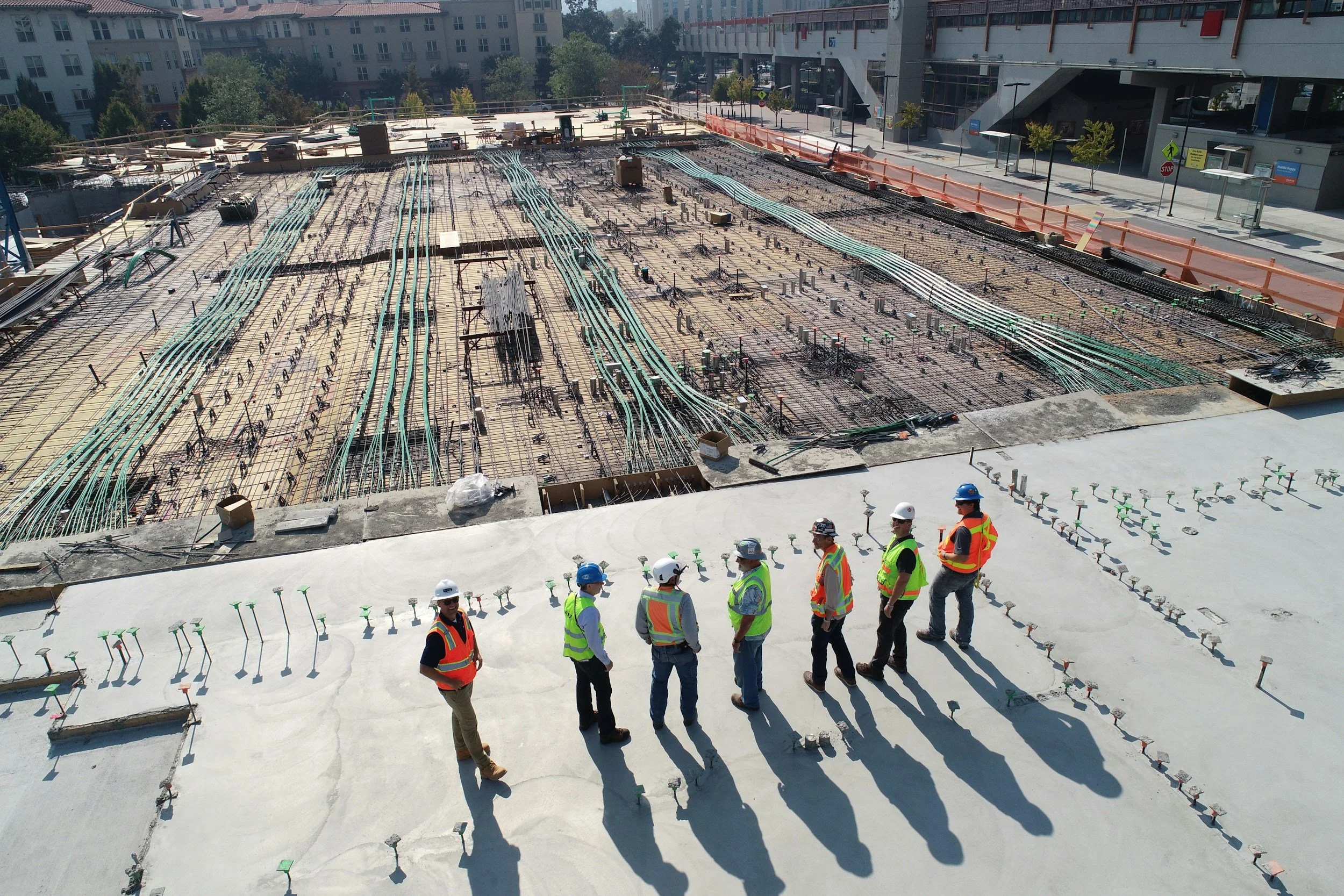
Six systems, one installer. Most buildings end up with a camera vendor, a cabling vendor, and an IT company who each insist the problem belongs to one of the other two. We handle the whole stack, which means the finger-pointing stops.
Managed IT & security services in Las Vegas

OVERVIEWOne number, one accountable provider
Most small and mid-sized businesses in Las Vegas have three or four vendors touching their technology and no single person accountable when something stops working. The camera company does not touch the network. The IT company does not touch the doors. Everyone is technically right and nothing gets fixed.
We design, install, and then support the whole stack — network, Wi-Fi, cameras, access control, and the equipment room they all live in — on a flat monthly plan with a known number instead of surprise hourly invoices. For property management portfolios the model extends across every site you run.
Who this fitsProperty management companies and HOAs with multiple sites
Retail and multi-tenant commercial buildings
Warehouses, yards, and distribution facilities
Licensed dispensaries with compliance camera and retention requirements
Offices and clinics that need someone accountable for all of it
Multi-family and short-term rental portfolios
Any business currently juggling three vendors for one problem
Questions we get asked
-
Monitoring and maintenance of the systems we support, remote troubleshooting, firmware and security updates, priority scheduling for on-site visits, and a standing point of contact. Scope and monthly cost are set in writing after the site assessment — it is scaled to the equipment on site, not a fixed package.
-
No. If your existing infrastructure is sound we will assess it, document it, and support it. Where something genuinely needs replacing we will tell you why, and what happens if you leave it.
-
No. Plans are month to month. The intent is that you stay because the service is worth it, not because leaving is expensive.
-
Yes. Multi-site portfolios are a good fit — standardizing equipment across sites makes them dramatically cheaper to support, and remote management means most issues get resolved without a truck roll.
Structured Cabling & Networking
OVERVIEWBuild the foundation first
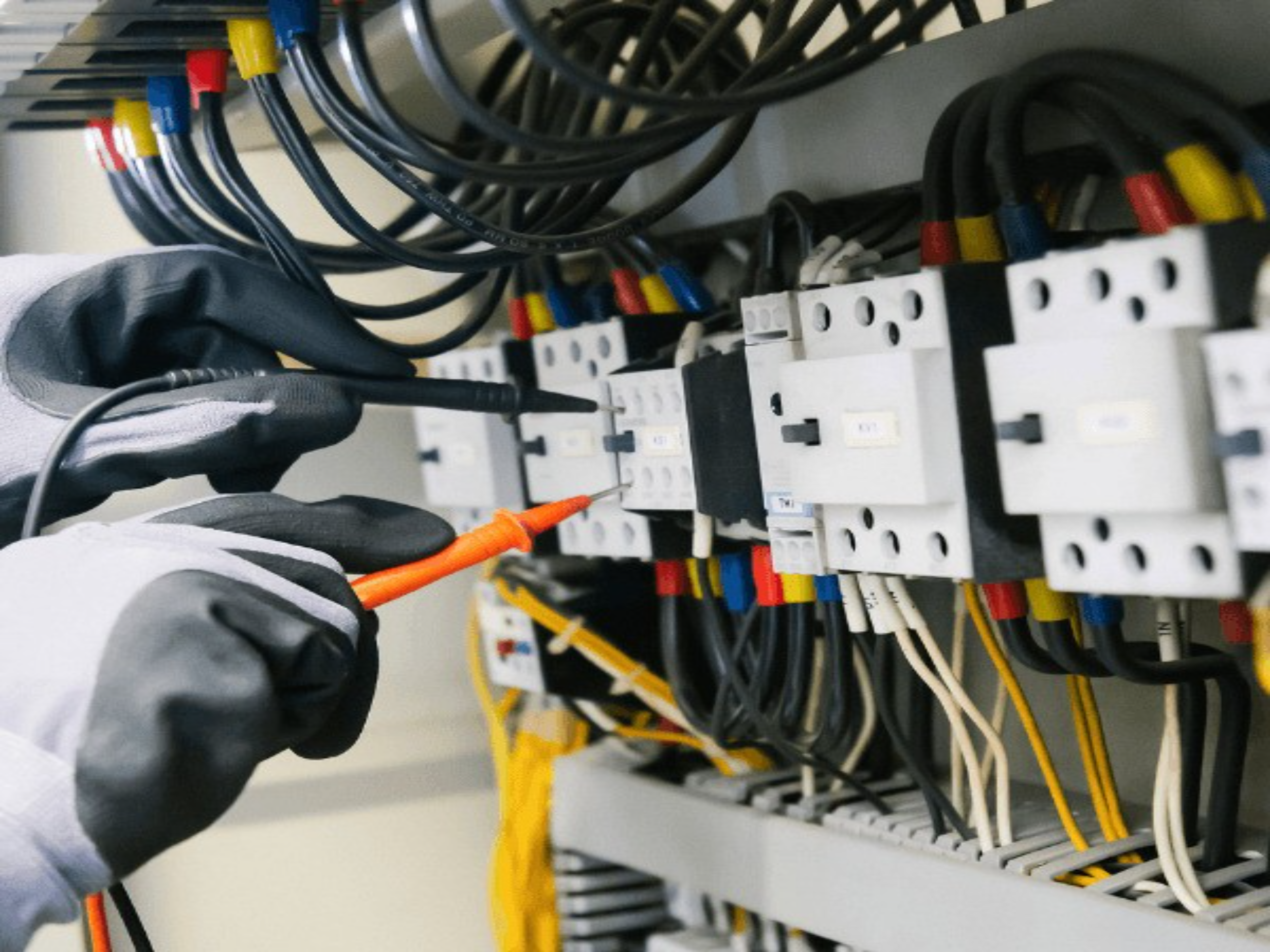
Cameras, door controllers, access points, and TVs all ride on the same network. When that network was built out of consumer gear and improvised runs, every other system inherits the problem — and the symptoms show up as cameras dropping and Wi-Fi dead spots that nobody can explain.
We build the layer underneath properly: Cat6 or fiber home-runs, a labeled and organized head-end, business-grade switching and routing, and access points positioned from an actual coverage plan instead of guesswork. Where the geometry gets demanding — long runs, detached buildings, yards — the same engineering carries into our warehouse and distribution work.
scope of workCat6 and Cat6A structured cabling, terminated and tested
Fiber backbone between buildings or floors
Rack and enclosure build-outs with labeled patching and clean dress
Managed switching, VLAN segmentation, and PoE budgeting
Business-grade Wi-Fi with access points placed to a coverage plan
Point-to-point wireless bridges where trenching is impractical
UPS backup so the network survives a Las Vegas summer brownout
Questions we get asked
-
Wireless cameras are fine for a doorbell and poor for a system you rely on. Every wireless camera competes for the same airtime, drops during interference, and still needs power at the mount. Wired cameras get power and data on one cable and simply stay up.
-
Yes. VLAN segmentation is standard on commercial work — guests, staff, cameras, and payment systems each get their own network so a compromised guest device cannot reach the systems that matter.
-
Regularly. We schedule around business hours, contain dust, and stage the cutover so you are not down during operating hours.
-
If you want it. Commercial clients often move onto a managed plan after the build so the network is monitored and maintained rather than only looked at when something breaks.
Security cameras
OVERVIEWPlacement decides everything
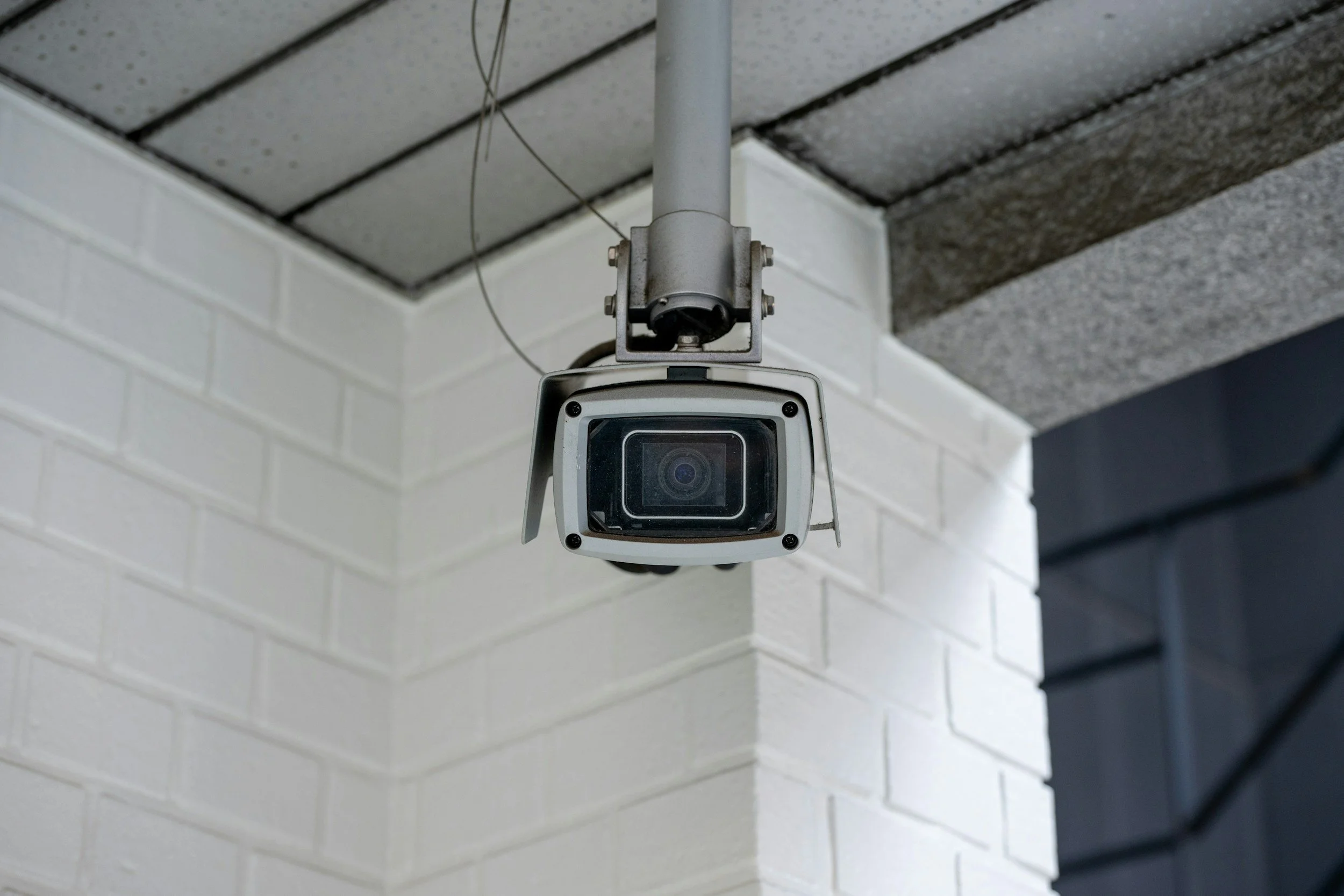
A camera system is only as good as where the cameras are pointed and how the video gets stored. We spend the assessment working out sight lines, entry points, lighting conditions at night, and where the recorder can live safely — before anyone talks about how many cameras you need.
Everything records to an on-site recorder that belongs to you. Video stays in your building, you view it from your phone, and there is no subscription standing between you and your own footage.
The same design discipline scales up: we build camera systems for warehouses and distribution facilities, HOA common areas and gates, and licensed dispensaries with Nevada compliance requirements.
What a typical install includesSite assessment covering coverage angles, night performance, and blind spots
Cameras matched to the job — turret, bullet, dome, panoramic, or license plate
On-site NVR with surveillance-rated storage sized to your retention needs
New Cat6 home-run to each camera, properly terminated and tested
Weather-rated exterior mounting and sealed penetrations
Remote viewing configured on every phone in the household or office
Active-deterrence options with lights and speakers where they make sense
Questions we get asked
-
Fewer than most people are sold, placed better. Coverage comes from angle and placement, not count. On a typical home the useful positions are driveway, front door, back yard, and side gates. On commercial property it is entrances, registers or cash handling, dock and delivery areas, and parking. We map it during the assessment.
-
Yes, on every system we install, from anywhere with internet. We set the apps up on your devices and walk you through them before leaving the property.
-
Recording continues. The recorder is on site and does not depend on your internet connection — you only lose remote viewing until service comes back, and the footage from the outage is there when it does.
-
It depends on camera count, resolution, and drive size. Two to four weeks is typical, and we size storage during the design so you get the retention you actually want rather than whatever a stock kit happens to hold.
Access Control & Door Entry
OVERVIEWA credential you can switch off
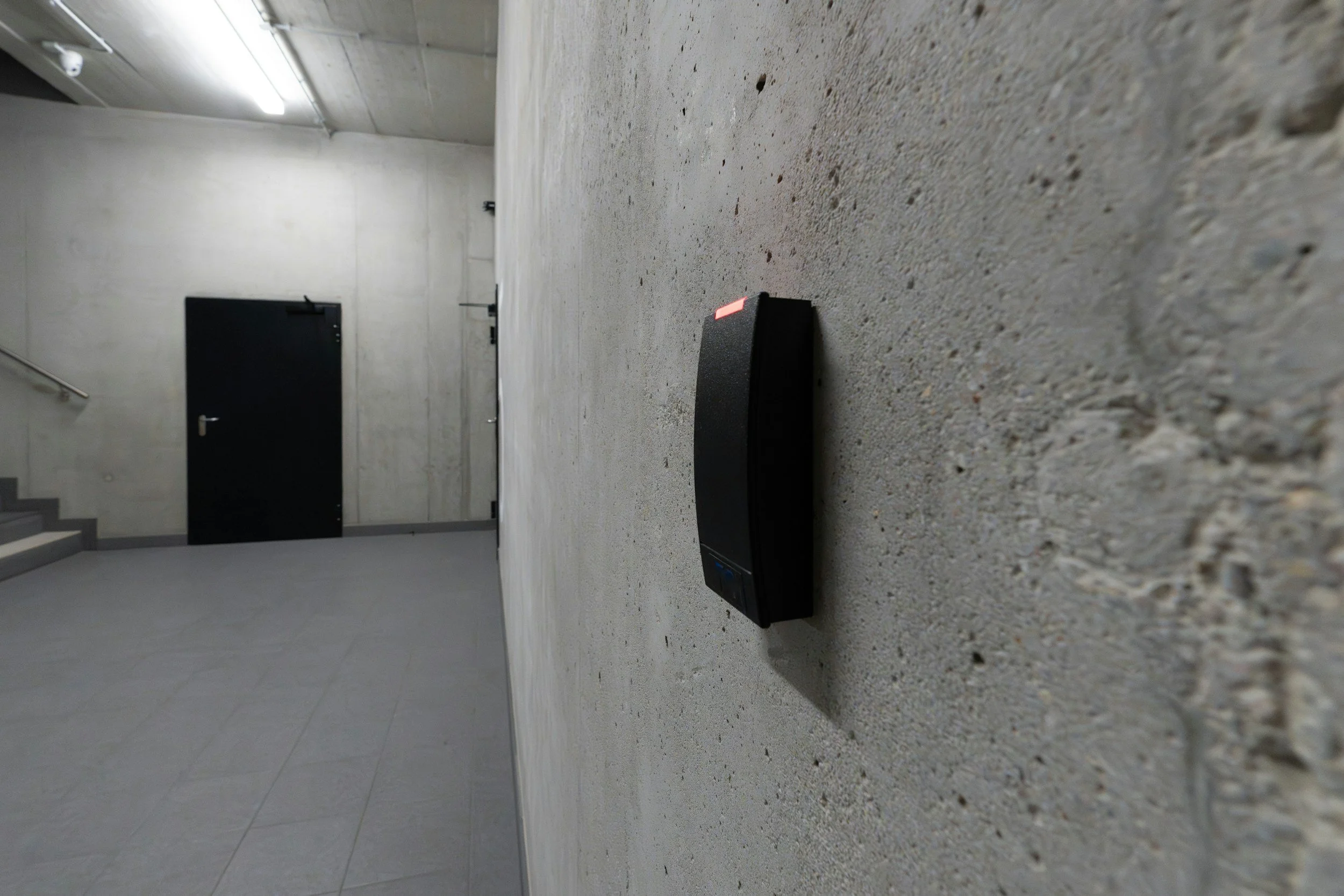
Keys are a liability the moment someone quits, moves out, or loses a set. Access control replaces that problem with a credential you can switch off in seconds — and a record of who opened which door, and when.
We install card, fob, keypad, and mobile-credential systems for offices, warehouses, multi-family buildings, and licensed dispensaries, and we integrate them with cameras so an access event and the video of it line up.
What we installCard, fob, keypad, and phone-as-credential readers
Electric strikes, maglocks, and request-to-exit hardware
Per-door and per-person schedules — contractors get hours, not permanent access
Full audit logging of every entry attempt
Remote unlock from your phone for deliveries and after-hours access
Camera integration so access events tie to recorded video
Fail-safe and fail-secure configuration appropriate to code and egress
Questions we get asked
-
Usually. Most commercial doors and frames accept an electric strike or maglock without replacement. We assess the door hardware, frame type, and power path during the walkthrough.
-
That is a design decision we make with you. Egress doors are configured to release so nobody is ever trapped, and entry hardware can be battery-backed so the system keeps functioning through an outage.
-
Yes. Credentials can be scheduled to specific days and hours, or set to expire on a date. Cleaning crews, contractors, and short-term staff get exactly the window they need.
-
Yes. Regulated facilities in Nevada have specific requirements around access records, camera coverage, and retention. We design to those requirements and document the system so it holds up under inspection.
Home Theater & Home Audio
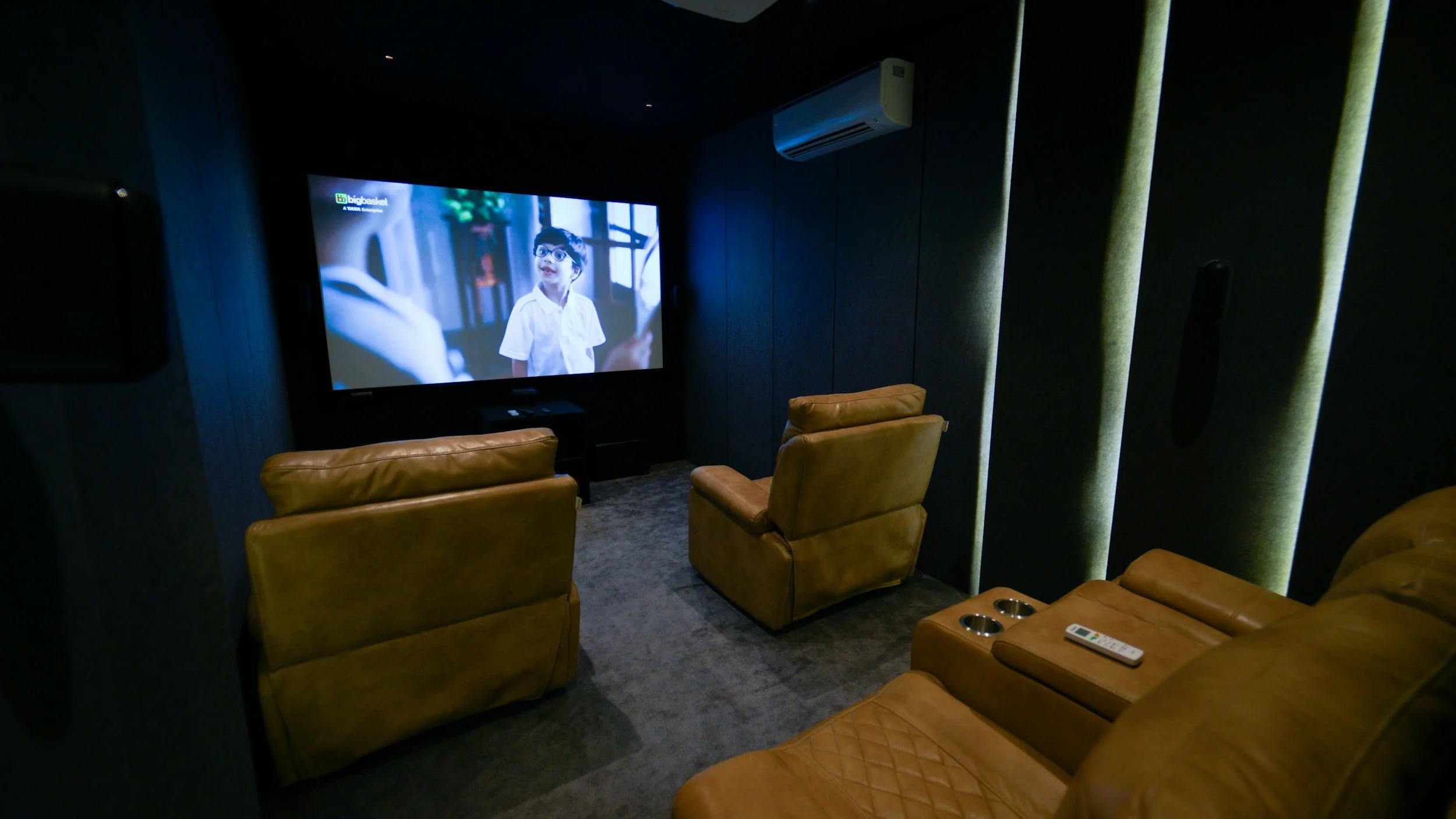
OVERVIEWThe room is half the system
Speakers are the easy part. What separates a system that sounds right from one that sounds loud is placement, room treatment, and honest matching of amplification to the space — a great pair of speakers in the wrong ceiling positions will always disappoint.
We design and install whole-home audio, dedicated media rooms, living-room theater systems, and outdoor zones, all controllable from the same interface as the rest of the automated house — and all riding on a network built to carry it.
What we buildMulti-zone whole-home audio with independent control per room
In-ceiling and in-wall speakers with clean, flush finish work
Dedicated home theater with calibrated surround and projection
Living-room systems built around the TV without the equipment clutter
Outdoor and patio audio rated for Las Vegas heat and sun exposure
Equipment racks with proper ventilation, labeling, and cable management
Single-remote or app control across every zone
Questions we get asked
-
Yes. Retrofit in-ceiling and in-wall speakers are designed for exactly this, and most homes have enough attic and interior wall access to route wire cleanly. We assess access before promising a layout.
-
It does not have to be, but it should be. Putting audio on the same platform as lighting and video means one interface and one support relationship instead of three.
-
Regularly. Outdoor zones need weather-rated speakers, properly protected wiring, and amplification that accounts for open-air sound loss. Pool and patio areas are among the most-used zones we install.
-
If it is worth keeping, yes. Quality receivers and speakers often have plenty of life left and can be folded into a larger system rather than thrown out.
Smart Home Automation

OVERVIEWDesigned, not accumulated
Most smart homes are not designed, they accumulate. A smart lock from one brand, bulbs from another, a thermostat from a third, and a stack of apps nobody in the house can remember how to use.
Proper automation puts lighting, shades, climate, locks, cameras, and audio on a single platform with one interface — a keypad on the wall, a phone, or your voice. Built around routines that match how the house is actually lived in.
What integration coversControl4, Crestron, and Savant platform design and programming
Lighting control and keypad scenes replacing wall-plate clutter
Motorized shades and drapery, scheduled to sun and season
Climate zoning integrated with occupancy and away routines
Smart locks and video doorbells tied to the camera system
Whole-home audio and TV control on the same interface
Away, evening, and vacation scenes configured to your routine
Questions we get asked
-
No. Retrofit is a large share of our automation work. Wireless lighting and shade options exist specifically for finished homes, and we plan cable paths through attic, garage, and existing chases wherever fishing wire is realistic.
-
It depends on scale, budget, and how much you want to change yourself later. We will explain the practical trade-offs during the assessment instead of pushing whichever line carries the best margin.
-
Basic changes — scene names, schedules, brightness levels — are things we hand over to you at the walkthrough. Deeper programming changes we handle remotely, which is one of the things the optional Care Plan covers.
-
Core functions stay local. Lighting, shades, and climate keep running on the in-home controller; you lose remote phone access until service returns.
Request a Site Assessment
Complete the form with contextual information regarding your challenges, timelines, and desired outcomes, and our team will respond promptly with an evidence-based recommendation framework.